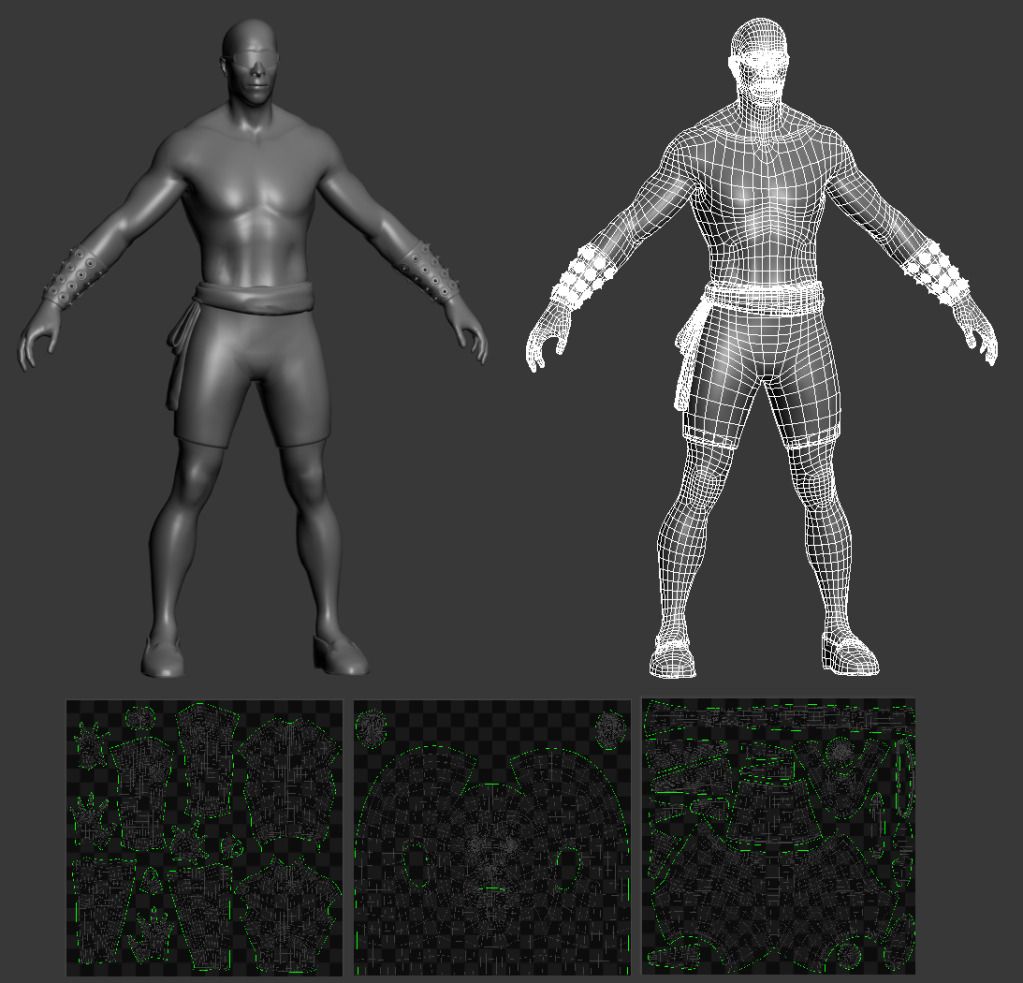
That means you'll need to model more of that detail in to the real time mesh. The normal map can help with the finer details, but you need the primary and secondary forms, better represented in the model. Right now, it's not and that makes the normal map look more like scratches.
When you make a render with the normal map, keep it in Gray scale at first. Put it next to the actual sculpt in Zbrush, and they should be almost indistinguishable.
The low poly mesh should look pretty close without normal maps. Use the normal map to add that extra super fine detail, almost like you would with a regular gray scale bump map.
In order to sell the effect of the normal map, you need to help it along with the larger forms, or it won't look convincing.
When you make a render with the normal map, keep it in Gray scale at first. Put it next to the actual sculpt in Zbrush, and they should be almost indistinguishable.
The low poly mesh should look pretty close without normal maps. Use the normal map to add that extra super fine detail, almost like you would with a regular gray scale bump map.
In order to sell the effect of the normal map, you need to help it along with the larger forms, or it won't look convincing.


 with a little adjustment on the bandages (like la_luna said) this will be 100% perfect! Now I don't know who will be crazy enough to animate his MK1 stand because it looks tricky as hell.