
You are using an out of date browser. It may not display this or other websites correctly.
You should upgrade or use an alternative browser.
You should upgrade or use an alternative browser.
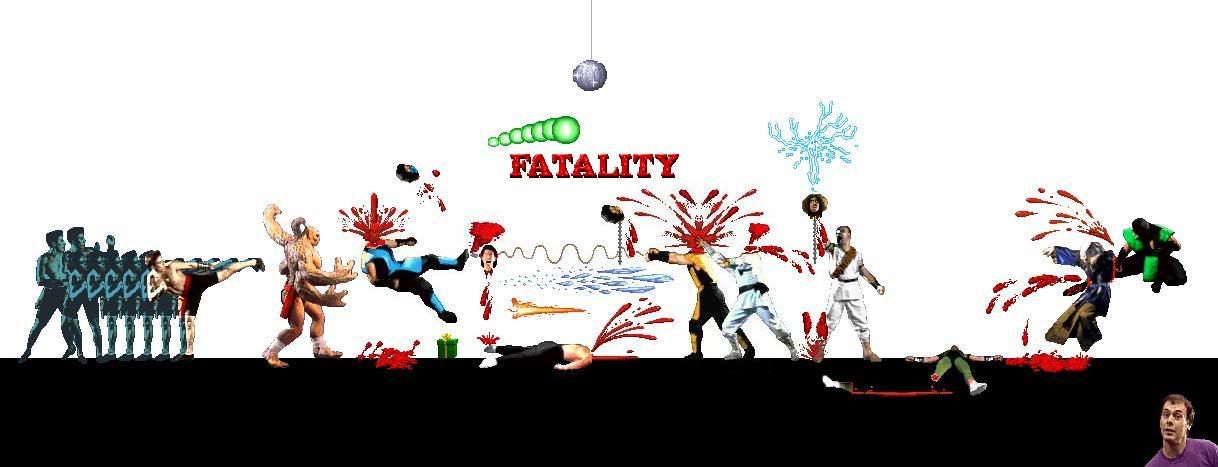
My First Fake!!!!! WAHOOOO!!!
- Thread starter Jinko
- Start date

KORE
New member
ok well first off, if you haven't yet, i'd recommend referring to this thread
http://www.trmk.org/forums/viewtopic.php?t=16096
but more specifically as it relates you your problem:
make sure that the file you are working on is a .bmp, and that the white box you refer too is PURE white. if it isn't, use your paint bucket to color it in pure using your right click. then when you move your sprite around make sure you select the very bottom option under your tools on the left. i refer to the little colored shape icons. that should make the white BG transparent.
http://www.trmk.org/forums/viewtopic.php?t=16096
but more specifically as it relates you your problem:
make sure that the file you are working on is a .bmp, and that the white box you refer too is PURE white. if it isn't, use your paint bucket to color it in pure using your right click. then when you move your sprite around make sure you select the very bottom option under your tools on the left. i refer to the little colored shape icons. that should make the white BG transparent.

InfernoScorpion
New member
Wow everyone is going all out rage....

kold_as_ice92
New member
this fake seems too.........................all at once
RageOfScorpion
New member
No. The only (maybe) good thing in that fake is the edit of sonya. That's it. 1/10. Try using a background and make it only two people next time.

Jinko
Well-known member
KORE said:make sure that the file you are working on is a .bmp.
What if the images arnt .bmp?
